
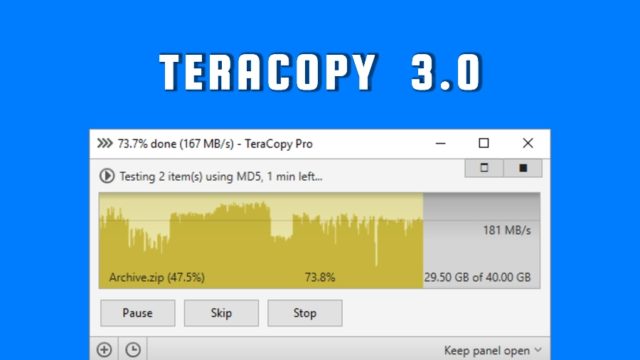
The final release of TeraCopy 3.0 has arrived. This popular utility for transferring files on Windows operating system comes with many improvements for faster copy speed and easier usage. While TeraCopy 3.0 is supported by Windows 10, the developers have dropped the support for XP. You can download TeraCopy 3.0 by visiting their website.
few years ago when I used Windows as my primary operating system, I used TeraCopy and liked it. It’s a free utility that’s supposed to address the slow copying speed issue of certain computers. Apart from copying, it allowed queuing the transfer of different files, a major feature that was absent in Windows.
Just recently, TeraCopy 3.0 was released. So, I decided to tell you it’s major highlights. The makers of TeraCopy for Microsoft Windows call it specially designed to copy and move your data at the maximum possible speed. It skips the bad files during copying and shows the error after completion.
This release has arrived after almost 3 years of the first alpha release of TeraCopy 3.0. Here are some major features of TeraCopy 3.0:
TeraCopy 3.0 Features and Highlights:
- With the help of dynamically adjusted buffers, TeraCopy reduces the seek times and makes the file transfer faster.
- If there are some copy errors, the utility will try to recover several times. If it doesn’t work, the file is skipped and the whole transfer isn’t terminated.
- You can pause the transfer anytime and resume later.
- It completely replaces the default copy/move functions.
- TeraCopy 3.0 displays failed file transfers and recopy only problem files.
- Full Unicode and Windows 8 x64 support.
Download TeraCopy 3.0
Please note that the free version of TeraCopy 3.0 is for non-commercial use only. Just in case you need it for commercial purposes, you can go for the Pro version. To download the free or paid versions, you can check out this link.
Do you use file copying utilities like TeraCopy? Don’t forget to share your views and feedback.
Bonus Video:
Comments
Post a Comment