

Texstar has rolled out the release of PCLinuxOS 2017.03 KDE Edition. This release is powered by Linux Kernel 4.9.3. It comes loaded with KDE Plasma 5.8.6 LTS desktop environment, KDE Frameworks 5.31.0 and, KDE Applications 16.12.2. The interested users can visit PCLinuxOS website and grab the LiveCD images for their 64-bit systems.
CLinuxOS is a popular and easy-to-use Linux distribution that’s distributed as a LiveCD. It has a simple and step-by-step installation process that can be completed by any new Linux user. Founded by Texstar in 2003, this distribution was first derived from Mandrake Linux, which is now called Mandriva Linux.
The default desktop environment of this rolling release distro is KDE. It also ships in other desktops like MATE, LXDE, LXQt, and Xfce. Just yesterday, the developers of PCLinuxOS announced the release of the new ISO images for KDE Edition.
Features and changes in PCLinuxOS 2017.03 KDE
The latest ISO snapshot, i.e., PCLinuxOS 2017.03 KDE Edition, comes loaded with all the security and software updates that were recently released.
Apart from the regular package updates, PCLinuxOS 2017.03 KDE Edition comes with KDE Plasma 5.8.6 LTS desktop environment. The other updated KDE components are Frameworks 5.31.0 and Applications 16.12.2. Thus, the users can now enjoy the new features available in KDE desktop.
The other KDE Plasma 5 features are:
- Basic uefi/gpt installation support
- Systemd free
- Grub2 by default (legacy grub available for non-uefi/gpt systems)
- Updated administration tools
- Mylivecd can now create ISO images larger than 4GB
- Many new apps added
Talking about the kernel, this release ships with Linux kernel 4.9.13, which mean better hardware support for more devices.
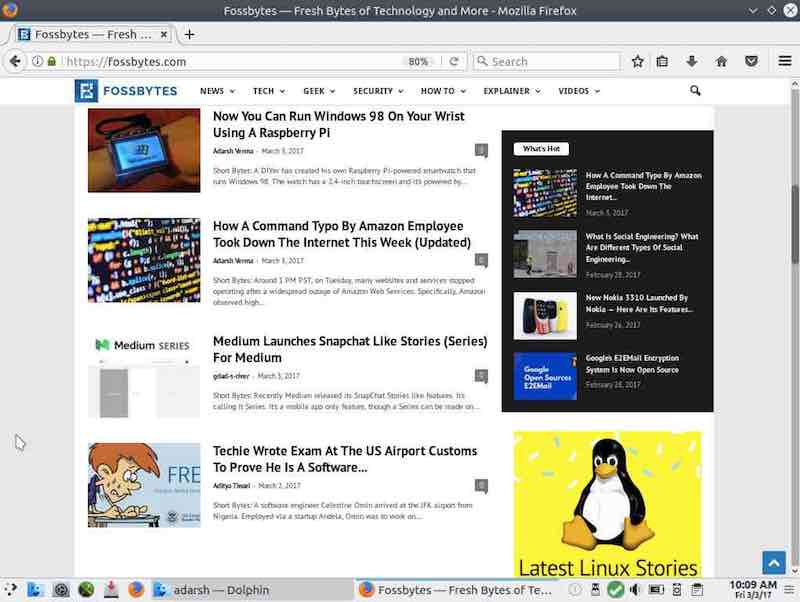
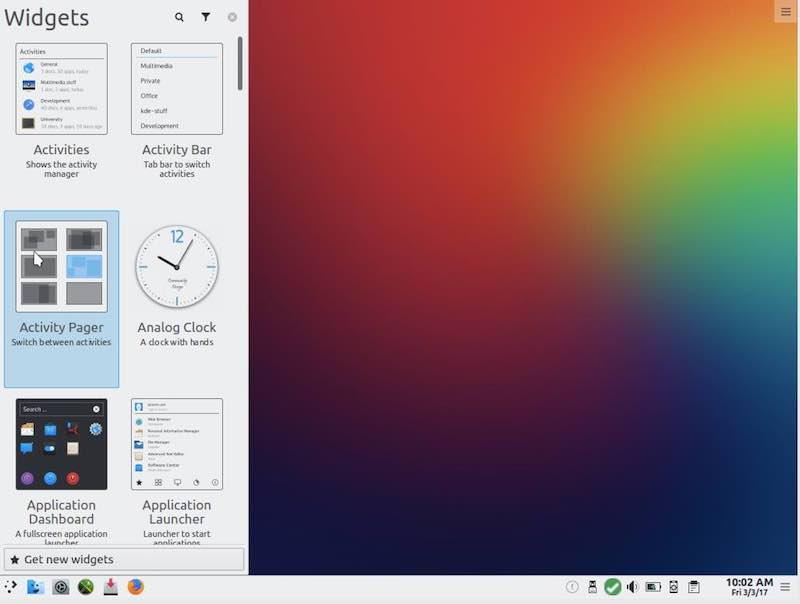
PCLinuxOS 207.03 KDE Pictures
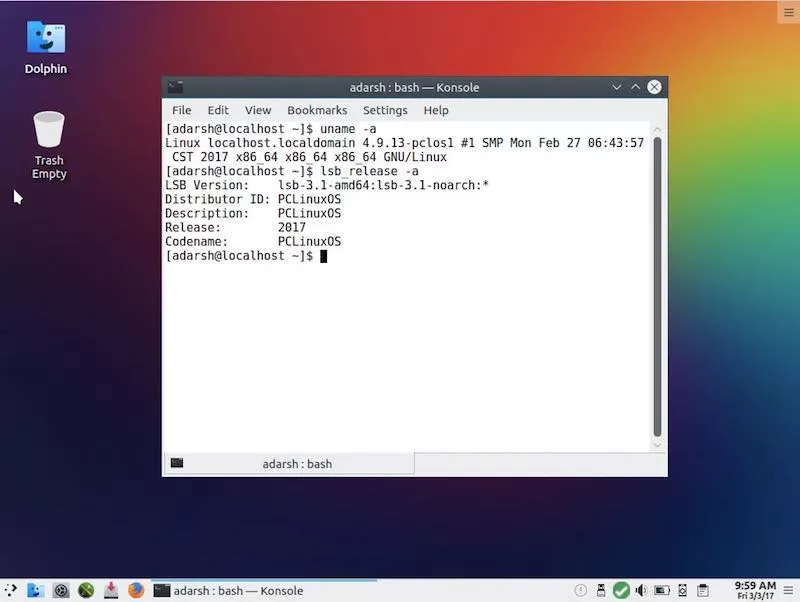
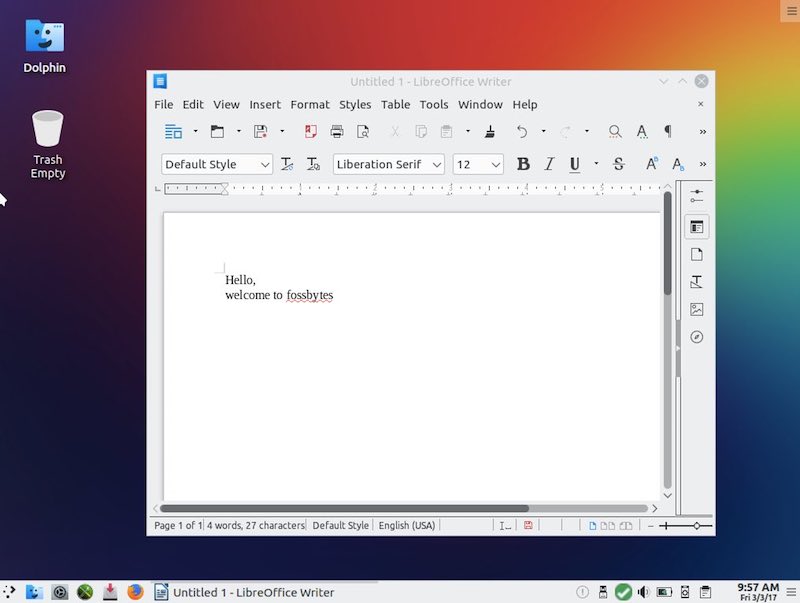
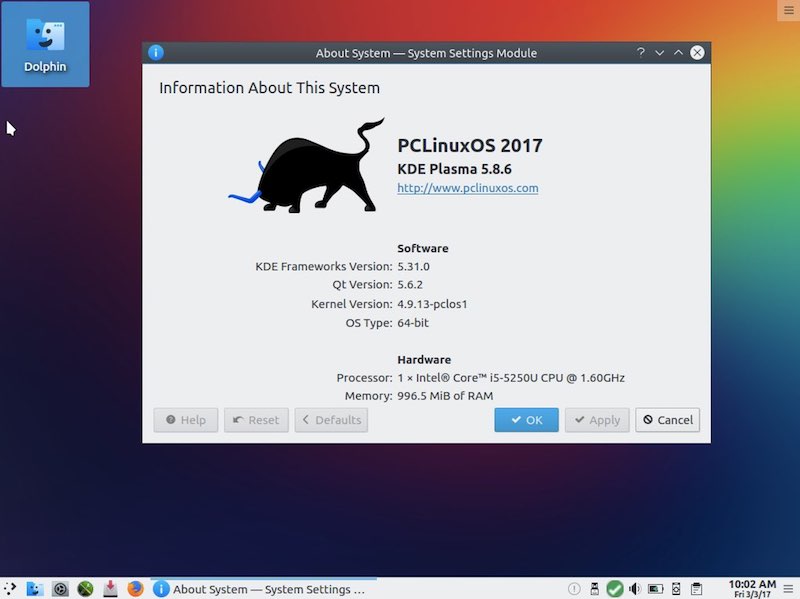
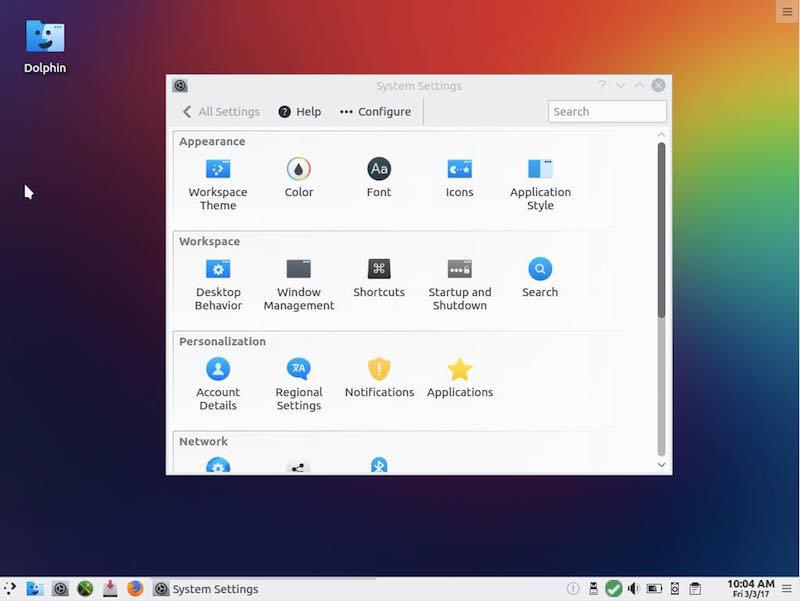
PCLinuxOS 2017.03 KDE Download
For installing PCLinuxOS 2017.03 KDE Edition on your operating system, you need to run a 64-bit processor. The minimum memory requirement is 2GB.
You can download PCLinuxOS 2017.03 KDE Edition by visiting this link.
Comments
Post a Comment