You might be knowing that Raspberry Pi 3 comes with a good performance improvement as compared to its prior versions. But, is it good enough to replace your primary laptop? A developer, after losing his MacBook Pro, decided to use Linux on Raspberry Pi as a
replacement. He concluded that Raspberry Pi is good enough for basic development work, blogging, and web browsing. However, futile attempts to perform video editing and heavy software compilation shouldn’t be made.hat do you do when you forget your beloved laptop in a taxi and you’ve got no means to contact the driver? Assuming that you don’t remember the number plate of the taxi, there are very thin chances of getting your hands on your laptop again.
A similar incident happened with Pierre-Gilles Leymarie, a back-end software engineer. He works at BulldozAIR. After losing his MacBook Pro in Paris, he decided to wait for about one week before accepting the fact that his bag was completely lost. In the meantime, he decided to use his tiny Raspberry Pi 3 as a replacement. I found his story on Reddit and thought that 9jabreezeland readers would find it interesting.
He tried the Find my Mac using his iPhone and locked the laptop. In the meantime, he decided to use his tiny Raspberry Pi 3 as a replacement.
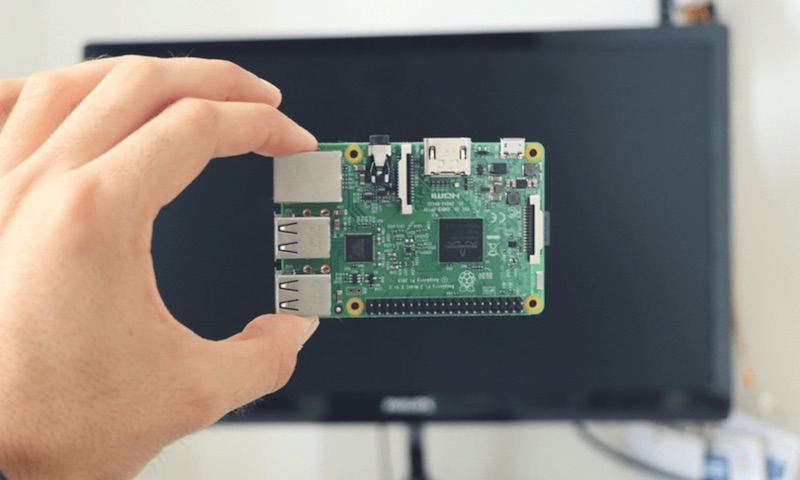
Talking about the specifications, Raspberry Pi 3 is more powerful as compared to its predecessors. It comes with inbuilt WiFi and runs Linux. It’s powered by a quad-core ARM chip and 1GB RAM. Keeping in mind these qualities, Leymarie decided to give it a try for one week.
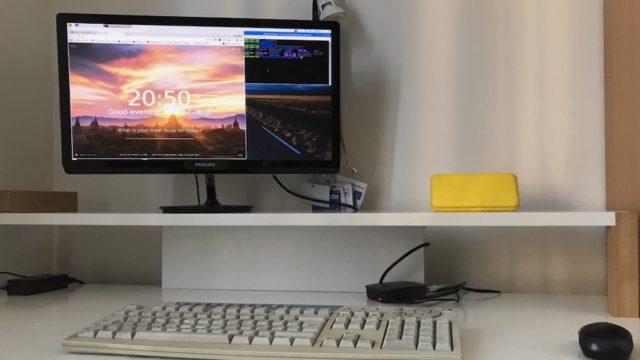
To get his work started, Leymarie downloaded Raspbian Jessie Linux distro. Using his parent’s computers, he loaded the operating system on a 16GB microSD card. Other components used were a wireless mouse, an old USB keyboard, and a 22” screen.
What jobs did Leymarie perform using his Mac?
Before going ahead and sharing his experiences, let me tell you the tools Leymarie used on his Mac. He used it for coding the open source project Gladys, which he founded. This Raspberry Pi-based home assistant is written on Note.js. For its development, he used VS Code + Node.js + MySQL.
For his Gladys blog, he wrote articles using Markdown on Mac and edited images with Photoshop. He performed video editing with Final Cut Pro. For dev tools and SSH, he used Terminal. Rest tasks like news reading, Twitter, YouTube, etc., were completed using Chrome.
So, was he able to find perfect replacements of these tools? And, what about their efficiency? Let’s find out.
Can a Raspberry Pi with Linux replace MacBook Pro?
For writing purposes, he used the Evernote web app inside Chromium, which worked like a charm. As he didn’t find any good Markdown app on Linux and ARM, he copied the note, added markups, and git pushed for publishing.
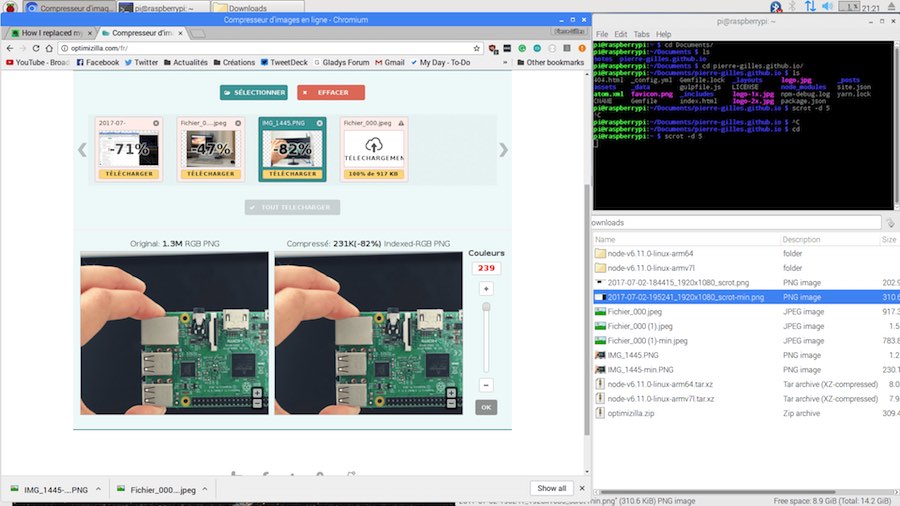
For development work, the Raspberry Pi terminal posed no issues. As he feared that VS Code might be too heavy for Raspberry Pi, he decided to use Vim with JS plugin. While the coding process turned out to be good, he found many tools like Webpack, uglifyJS, and Babel pretty slow on a Raspberry Pi.
As Photoshop was out of the picture, he first tried Canva on the web, which turned out to be pretty slow. Alternatively, he decided to edit pictures inside Canva iOS app. That turned out to be okay.
Last but not the least, Leymarie didn’t even try video editing on Raspberry Pi, which makes sense.
In the nutshell, given the price of Raspberry Pi 3, it could be used as a basic machine for simple development, writing, and web browsing. In the past, I’ve personally used Raspberry Pi as a primary computer for a few days for writing/publishing and it turned out to fine. However, if you’re hoping to multitask, perform video editing, and open multiple Chrome tabs, Raspberry Pi won’t be able to help you.
You can read Leymarie’s complete experience here.
Comments
Post a Comment