
Following the tradition, the first Beta release hasn’t witnessed the participation of default Ubuntu release, which will now ship with GNOME desktop environment. This brings us to the
participating flavors Kubuntu, Lubuntu, Ubuntu Budgie, Ubuntu Kylin, Ubuntu MATE, Ubuntu Studio and Xubuntu.What’s new in Ubuntu 17.10 Beta 1?
Ubuntu 17.10 Beta 1 comes loaded with lots of software update that one can test.
Talking about specific releases, Ubuntu MATE 17.10 Beta 1 continues to make the overall experience better. In the past, we’ve told you about different panel layouts that provide different desktop workflows. The Global Menu support has been improved, and it can be activated via MATE Tweak. In Beta 1, it has been made more reliable.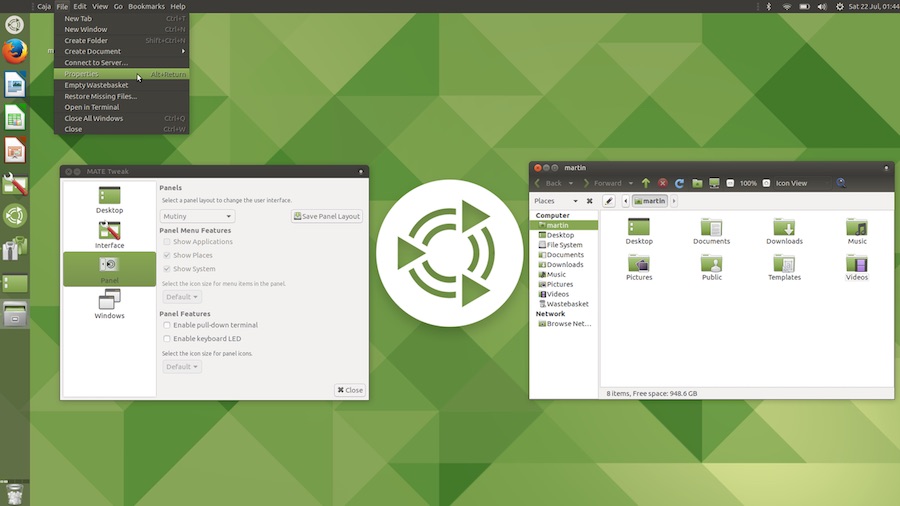
The other MATE 17.10 Beta 1 improvements are better Super Key support, Heads-Up Display, Indicators, MATE Tweak tool, a new Slick Greeter, etc. Find more details here.
Moving to Kubuntu 17.10 Beta 1, this release ships with the latest bugfix release 5.10.5 of the Plasma 5.10 series, KDE Applications 17.04.3, etc. The non-KDE applications are Firefox 50.1, LibreOffice 5.4, etc.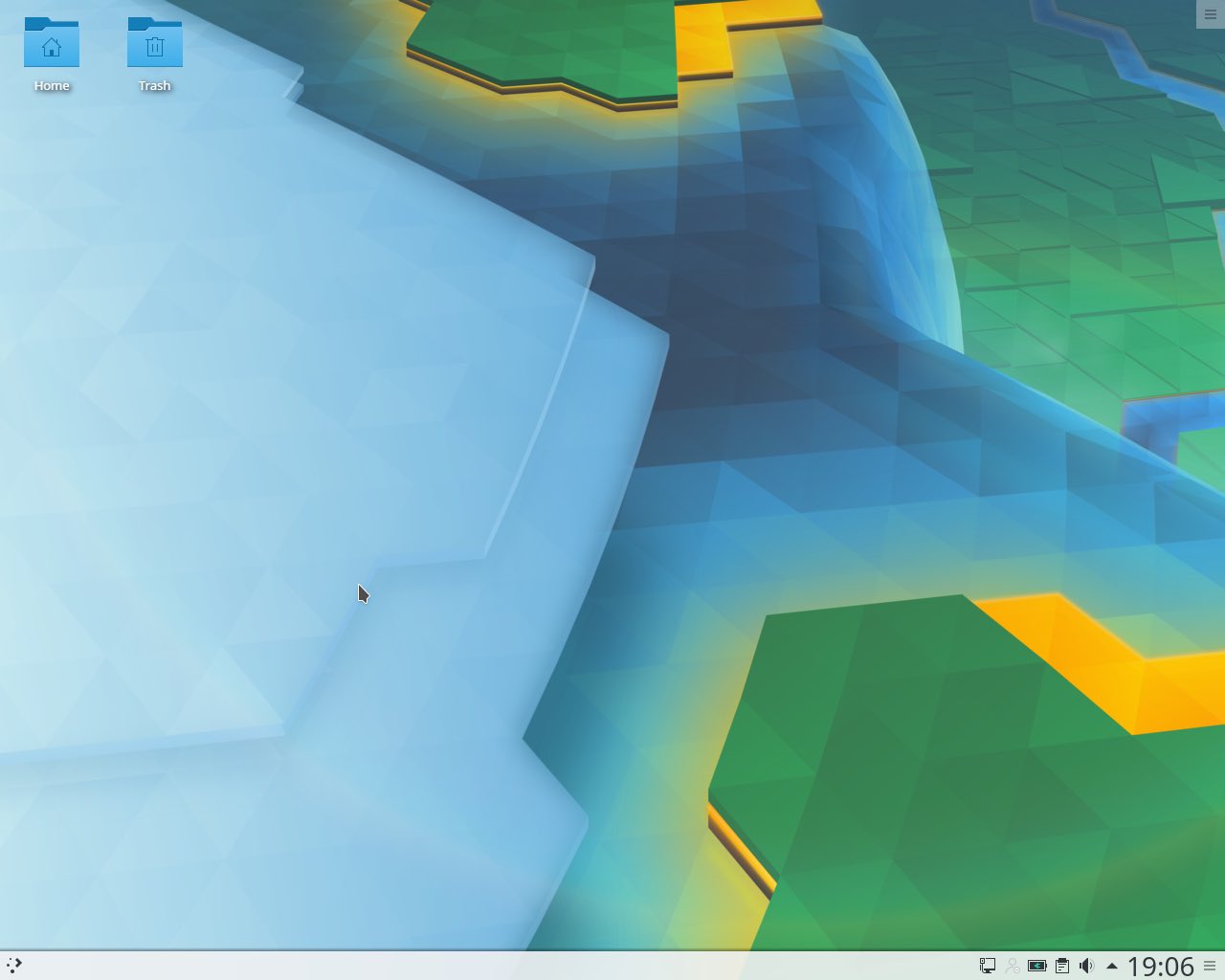
Ubuntu Budgie 17.10 Beta 1 also features tons of changes as compared to the previous release. You can find the complete set of changes here.
Other Ubuntu flavors come with little changes and the specific details can be found on the download page mentioned below.
Download Ubuntu 17.10 Beta 1
It goes without saying that Ubuntu 17.10 Beta 1 is a development release and it’s not wise to install it on a primary machine. If you’re excited enough to try out the various new features and report bugs, feel free to download these flavors and install them on your secondary computer or Virtual Machine.
Find the ISO and torrent download links below:
Did you find the Beta 1 release interesting? Don’t forget to share your views and experiences.
Comments
Post a Comment