
Linux Releases Lightweight” Tiny Core 8.2 And “Heavyweight” Korora 26 Distros - Download Here


Korora Linux distro is a derivative of popular Fedora operating system. It ships with lots of additional packages that are provided by Fedora community and helps the users to get a complete out-of-the-box experience.

The developers of Korora Linux distro have just shipped Korora 26 “Bloat.” Bloat codename has been derived from the characters of the movie “Finding Nemo.”
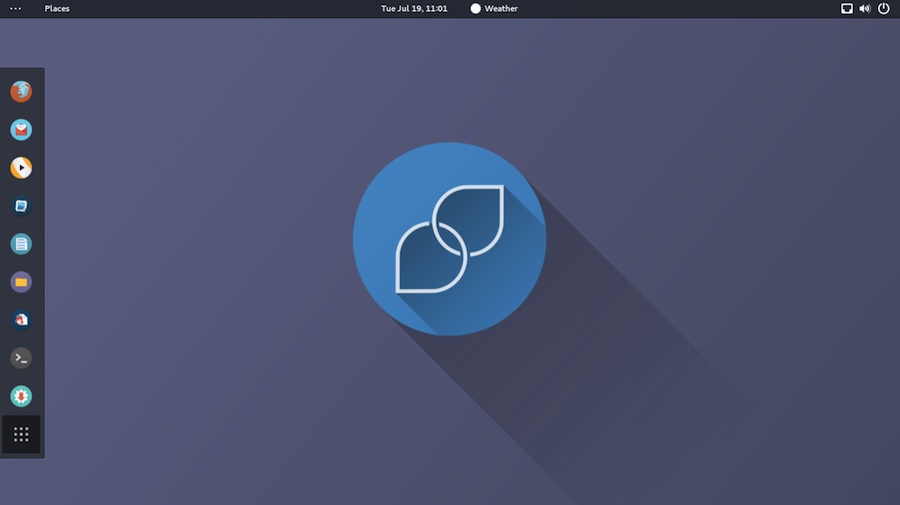
korora 26 gnome
Korora GNOME
A highlight feature of Korora 26 is its new Backup solution.
It’s worth stressing that starting from Korora 26, only 64-bit systems will be supported, joining the likes of Arch Linux, Manjaro, etc. So, it’s time to upgrade your hardware or change your operating system.
Korora 26 can be downloaded in different desktop environments whose versions are mentioned below:
  • Cinnamon 3.4
  • GNOME 3.24
  • KDE Plasma 5.10
  • Mate 1.18
  • Xfce 4.12
Find download links and more details regarding Korora 26 “Bloat” here.

Tiny Core 8.2

The goal of Tiny Core project is to create an ultra-small graphical operating system that can be booted from CD-ROM, USB drive, or a hard drive. It also boots with a blazing fast speed and always resides in system’s RAM.
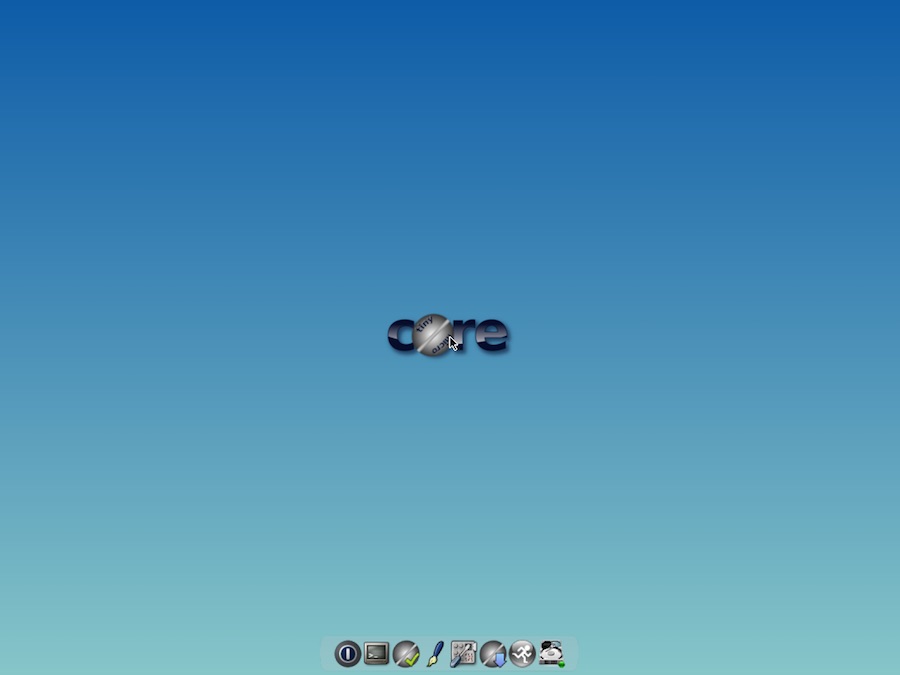
tiny core 8.2
Tiny Core
A few days ago, the developers announced the release of Tiny Core 8.2. While this release continues to polish the existing experience, there are few important changes that you should know about.
Tiny Core 8.2 updates BusyBox from version 1.27.1 to 1.27.2. You can find a couple of other changes here.
Download Tiny Core 8.2 Linux distro here. Here, you’ll also get to know about three different versions of Tiny Core Linux, which are Core, TinyCore, and CorePlus.

Comments

Follow Us

WHAT'S HOT

How To Connect Android or iOS Phone To Windows 10

The  Continue on PC  feature is currently available to Windows Insiders, but it’ll arrive for regular users once the update starts landing on their PCs. If you’re running an Insider build, you can use the steps mentioned in this post to connect your phone to Windows 10 PC.

Poco F2 Pro 5G Officially Launched Globally With Snapdragon 865

After months of wait, Poco has officially launched Poco F2 Pro. The phone is a sequel to the Poco F1 which was a huge success for the company back in 2018. It is also the second Poco contender in 2020. In February, the Poco brand revealed a new phone lineup and launched Poco X2. The phone was priced at Rs 15,999 and featured similar specs of Redmi K30, a Xiaomi flagship that was launched back in 2018. The company has applied the same strategy for today’s launch. As we expected, Poco F2 Pro bundles all the specs of Redmi K30 Pro that Xiaomi launched last month. Poco F2 Pro Specifications, Availability and Price Unlike the Poco X2, the phone offers a circular camera at the back and a pop-up selfie camera at the front as opposed to the regular dual-hole punch cutout on the display of Poco X2. Poco F2 Pro comes with a 6.67-inch FHD+ AMOLED display with a 92.7% screen to body ratio. On top of that, the phone has an in-display fingerprint sensor to keep up with...

Learn How To Activate iOS 11 Dark Mode

Apart from all the major iOS 11 features and changes, there are some hidden and minor features as well. In this release, Apple has included a feature named Smart Invert Colors, which is the closest you can get while looking for an iOS 11 dark mode.

Qualcomm Announces Its First 5G Network With X50 Modems

Qualcomm  published  in its official OnQ blog that the 5G data connection demonstration achieved gigabit download speeds using several 100 MHz 5G carriers. The demonstration utilized new 5G Protocol R&D Toolset and the UXM 5G Wireless Test