

Fulfilling the needs of every kind of desktop user is one the biggest strengths of Linux. This ability also enables the developers to create Linux distributions for old computers with limited hardware capabilities.
You can read our dedicated list of the lightweight operating systems that can be installed and run on legacy devices.
Bodhi Linux is one such lightweight Linux distro that works like a charm. In early June, we witnessed its version 4.2.0 that came with Linux kernel 4.10 and Swami Control Panel. Now, after three months, the developers have released Bodhi Linux 4.3.0.
What’s new in Bodhi Linux 4.3.0?
The Linux enthusiasts must note that just like the previous release, Bodhi Linux 4.3.0 isn’t a feature release, which means that it won’t bring along any new and fancy features.
The developers have called it a normal release that has been pushed to simply keep the current ISO updated. As a result, the current users of Bodhi 4.x.y series don’t need to perform the installation. 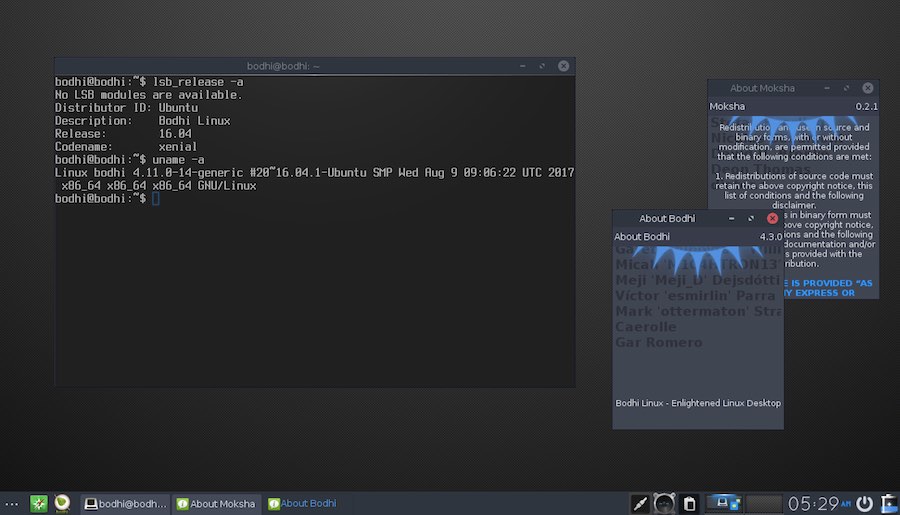
Just like the previous releases, Bodhi Linux 4.3.0 is built on the solid Ubuntu 16.04 release. The Linux kernel has been upgraded to 4.11.
The other updated packages included in this release are EFL 1.19.1, Terminology 1.1.0, and Ephoto 1.5.
If you’re running Bodhi Linux and you’ve enabled system update, you would already be having the latest updates brought by Bodhi 4.3.0 release. If you’re interested, you can install the newer kernel using the package manager.
Download Bodhi Linux 4.3.0
Bodhi Linux 4.3.0 is available in three versions, i.e., Standard, AppPack, and Legacy release. You can download the ISO and torrent files by visiting this link.
Comments
Post a Comment