

In November 2016, SUSE released openSUSE Leap 42.2. For those who don’t know, Leap is openSUSE’s fixed release for stability-minded users. On the other hand, Tumbleweed is the rolling release for those who love bleeding edge Linux experience. Now, after about eight
months of development, openSUSE Leap 42.3 has been released.
This release closely aligns with SUSE Linux Enterprise Service Pack 12, because the community versions share a common core with the enterprise versions. This release features even more SUSE Linux Enterprise source code and syncs many common packages. SUSE has called this release perfect for seasoned Linux users, sysadmins, and developers.
What’s new in openSUSE Leap 42.3
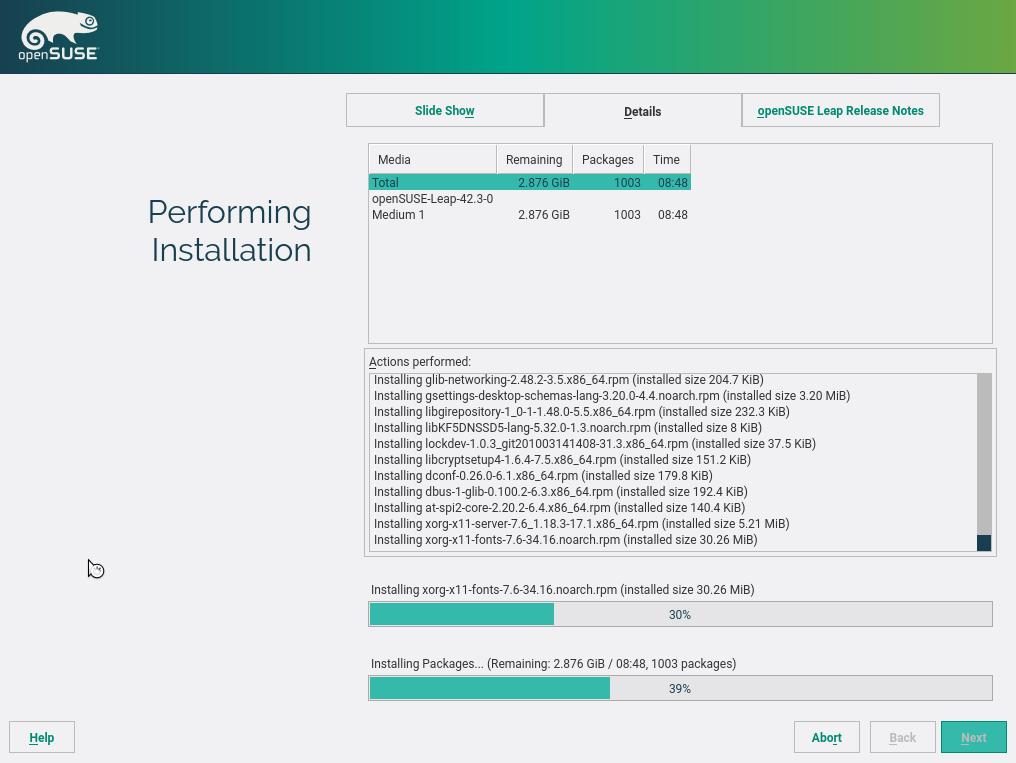
openSUSE Leap 42.3, the third edition of the 42 series, comes loaded with more than 10,000 packages. This release is powered by the same Linux 4.4 Long Term Support (LTS) kernel which powered the previous release.
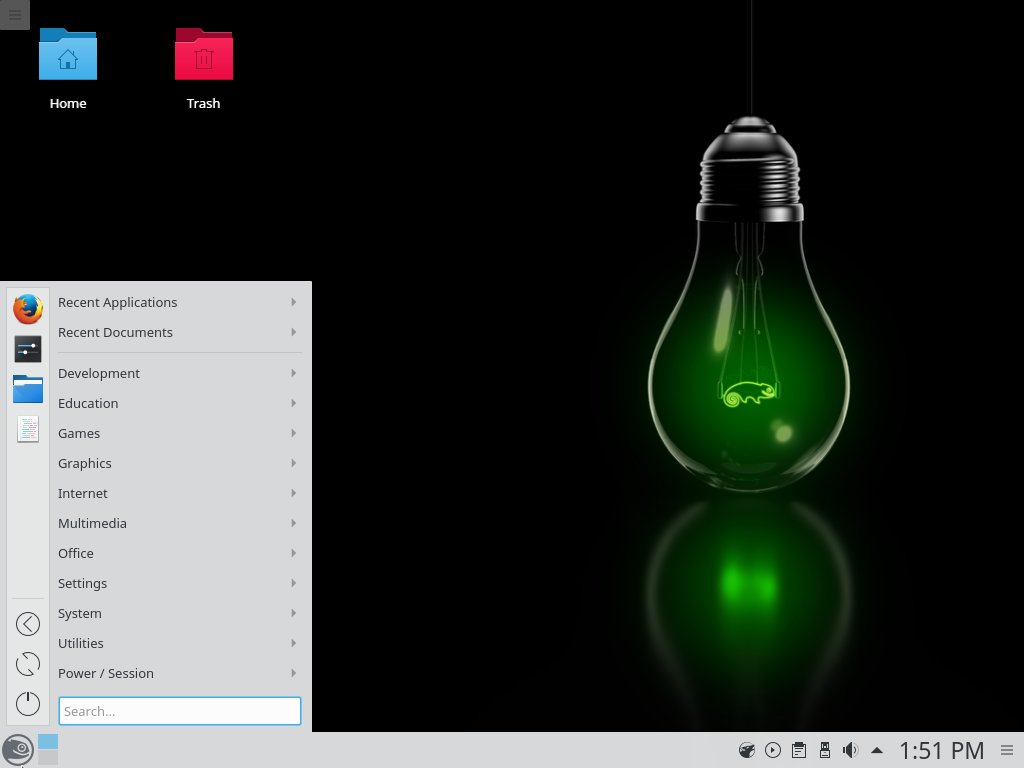
Talking about the desktop environments offered, Leap 42.3 uses KDE 5.8 release as the default choice. You are also allowed to go with GNOME 3.20 release. You can also choose many other desktop environments from the installer.
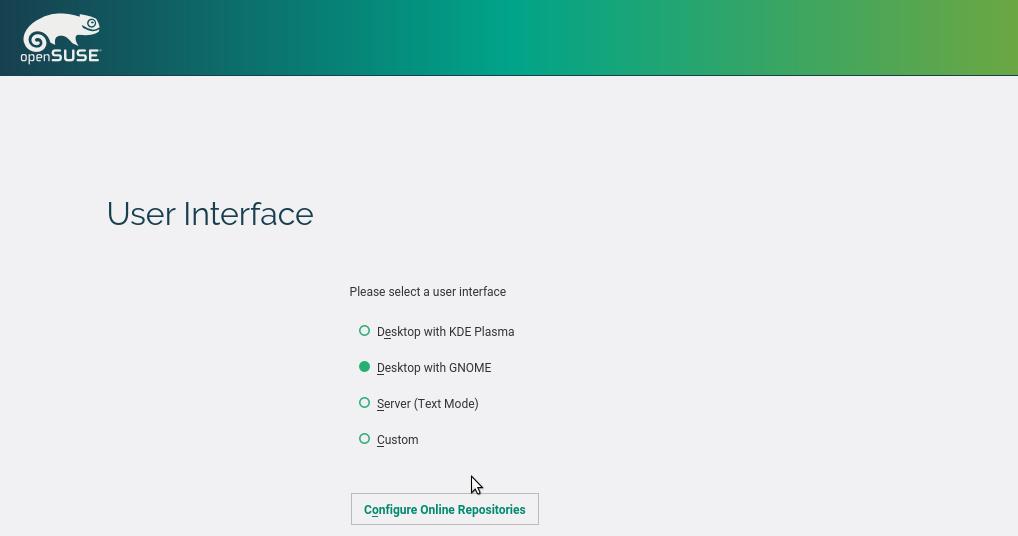
The backup utility Borg can now be used to automatically backup your data on a regular basis. Also, in the text mode installer, all the options of YaST are included without the need for GUI.
openSUSE developers have also made this release better for gamers. Apart from getting a stable system for running Steam, the players can also use Wine and PlayOnLinux for playing the games which aren’t available on Linux.
Download openSUSE Leap 42.3
The Linux enthusiasts can go ahead and download openSUSE Leap 42.3 Linux distribution by visiting this link. The users can either choose torrent links or go for direct download options.
Comments
Post a Comment