
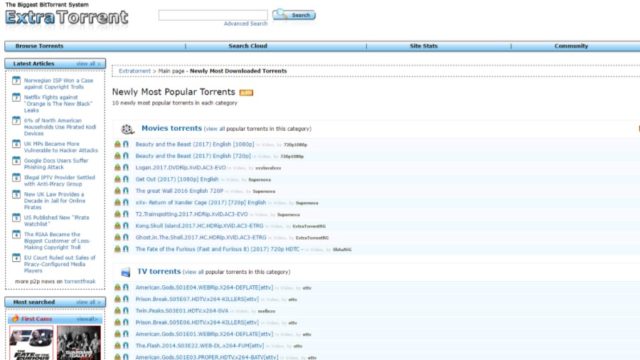
t was merely a couple of days back when the shutdown of the torrent website Extratorrent.cc was announced. Now, a group of uploaders and Extratorrent admins claim to have revived the torrent site on a new domain Extratorrent.cd.
“We are a group of uploaders & admin’s from ExtraTorrent. As you know, SAM from ExtraTorrent pulled the plug yesterday and took all data offline under pressure from authorities,”
“We have successfully resurrected it back to it’s glory at extratorrent.cd with all available data. It’s live and new data is continuously being updated. Some small features are not yet working & we are getting it fixed as we speak”
In the email, the group also claim to have restored torrent sites The Pirate Bay and KickAss Torrents when the sites went offline in the past.
As of writing this story, Extratorrent.cd is working and the torrent site also has the HTTPS protocol enabled.
If you are still searching for alternatives to Extratorrent, check out our list of best torrent sites for 2017.
If you have something to add, drop your thoughts and feedback.
Even though the unavailability of ExtraTorrents is a great loss, there are best ExtraTorrents alternatives available for torrent fans that fill the gap & are just as good!
ReplyDeleteExtratorrent was the best torrent search engine until it shut down. Here are some guaranteed working and best alternatives replacing ExtraTorrent.
ReplyDelete