

Does Google know that you are using Tor and deliberately give you hard time to search your queries and force you to use other less stringent browser options like DuckDuckGo and Bing? This happens in some scenarios: numerous users accessing Google through
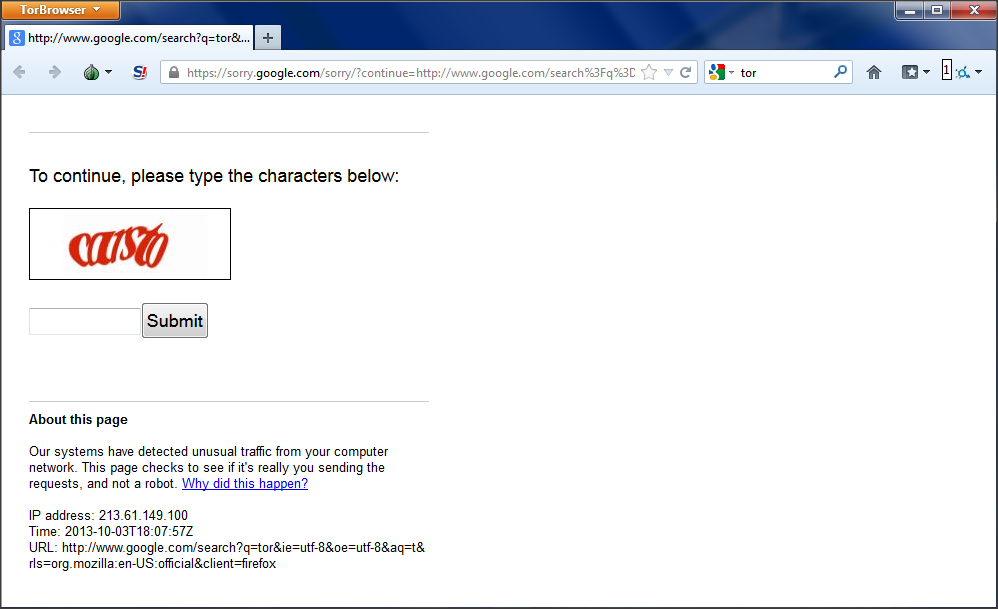
the same Central Proxy. Thus, it doesn’t mean that Google is spying on you.f you’ve ever used Tor, you could have been forced by Google to prove that you are human like this:
Or, it would have simply told you that it’s not possible for it process your request like this:
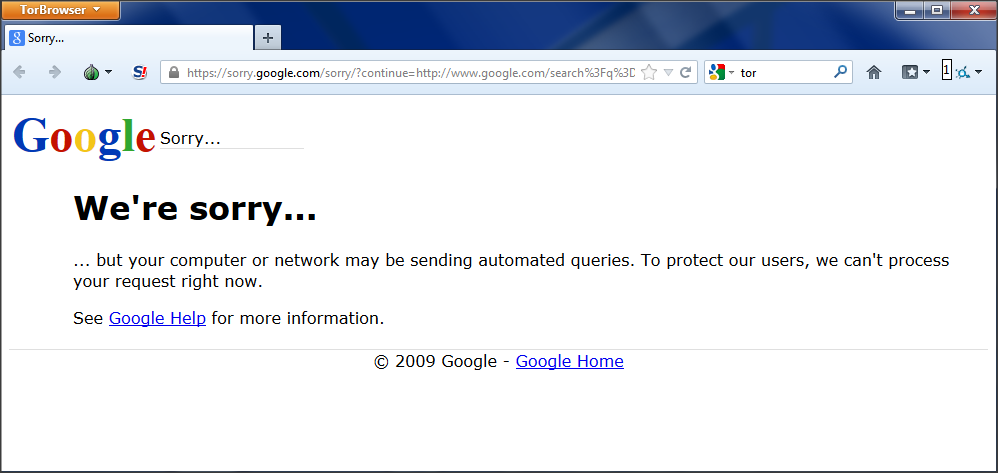
Is it because Google somehow knows that you are using Tor ?
Na aaa.
Although Google has the ability to know that you are using Tor, because the list of Tor exit relays is public, it has always supported the use of Tor and such other open source privacy projects.
But, here, Google is not interested in knowing if you are using Tor. Google runs some analysis on its search queries and that sometimes ends up in the either of the above two scenarios.
Google has to deal with all sort of network abuse. People could tend to produce lots of queries in short span of time to overload its servers (for example DDoS attacks). Google checks this possibility and warns the client with this warning in the above page. This is not very Tor specific. When I was working for Sapient Nitro, which is a big company and has its vast infrastructure system and used central proxy, these same scenarios would sometimes pop up, because of numerous users accessing Google through the same Central Proxy.
In case of Tor, many Tor users probably used the same exit relay nodes to send a search query to Google. Which, in turn, would have been flagged by Google’s algorithms as suspicious.
Because the list of Tor exit relays is public, some of the open source projects that could be used to check exit tor nodes because of this fact are:
- Tor Honey: It matches Tor exit nodes and information from Project Honey Pot to see which nodes are most misused.
- Tor Exit: It can be used to determine the longevity of Tor exit nodes.
One could always use Bing or DuckDuckGo as alternative search engines!
Comments
Post a Comment