
The Game Mode is a Microsoft’s attempt to improve gaming experience by making optimizations on Windows 10 machines. The Windows 10 Insider Build 15019 carries the glimpse of the Game Mode option along with improvements in the Game Bar feature. It is
expected to ship with Windows 10 Redstone 2 in April.fter hearing about the Game Mode in Windows 10 a while ago, Microsoft has unveiled the much-awaited Game Mode with the release of Windows 10 Insider Build 15019.
In the latest fast ring Insider Build 15019, the Game Bar has been updated with Beam game streaming functionality. Game bar in Windows 10 allows users to take snapshots and record screen during the video game play. It can be accessed by pressing Windows+G shortcut combination.
The new Game Mode enhancement features can be found in the Windows 10 Settings. It allows your Windows 10 PC prefer your video game over other processes running at the same time. Thus, enabling better utilization of CPU and GPU resources.
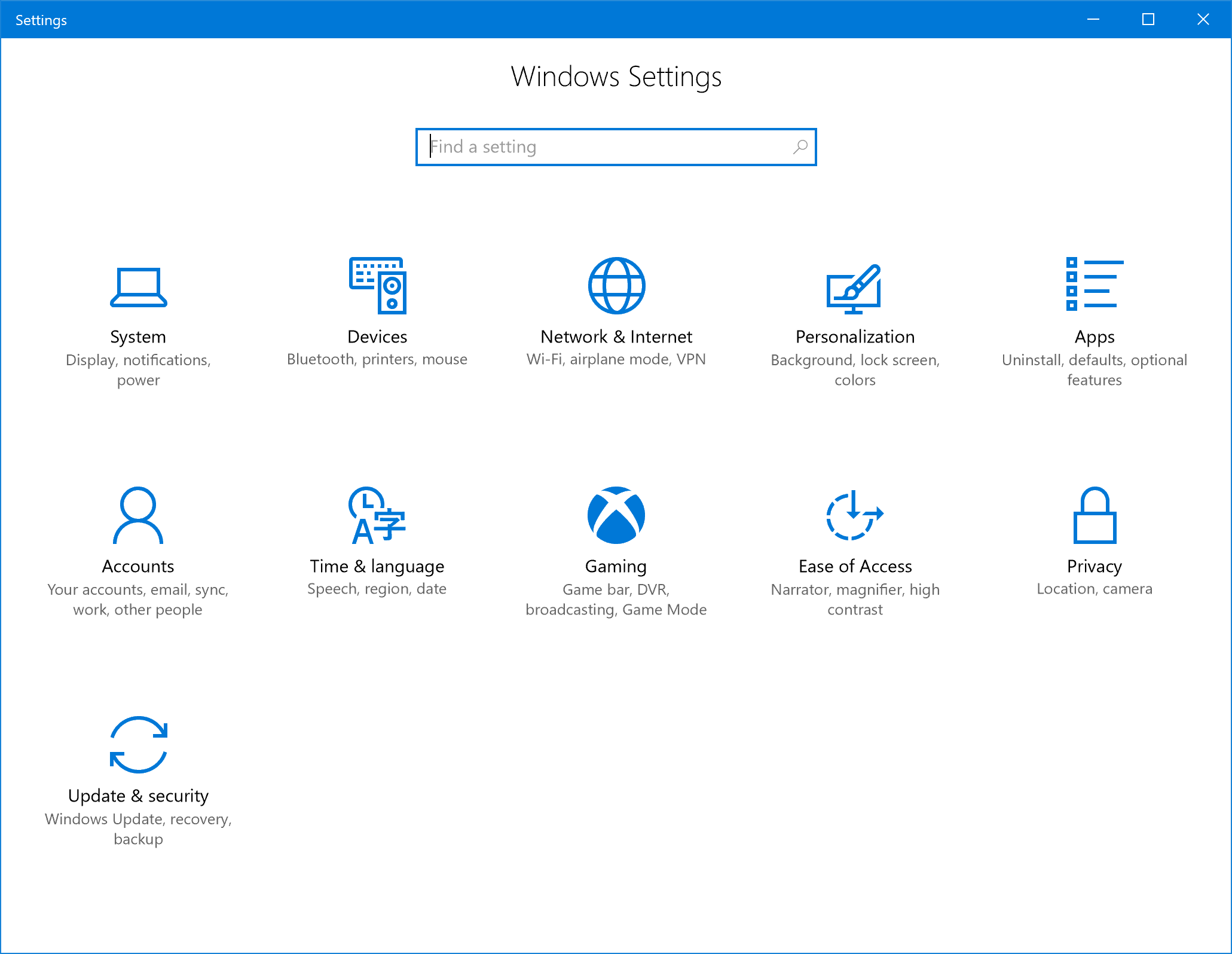
After updating to Build 15019, you will be able to see a Gaming option with Xbox logo in the Settings. It is the home to different options like Game Mode, GameDVR, Game Bar, Beam settings, etc.
This Game Mode, along with other Windows 10 features like the blue light filter, automatic file cleanup, and much more, are expected to arrive with Windows 10 Redstone 2 or Creator’s Update scheduled for release in April this year.
What do you think about the Game Mode in Windows 10? Drop your thoughts in the comments.
Comments
Post a Comment